01
Booking a session
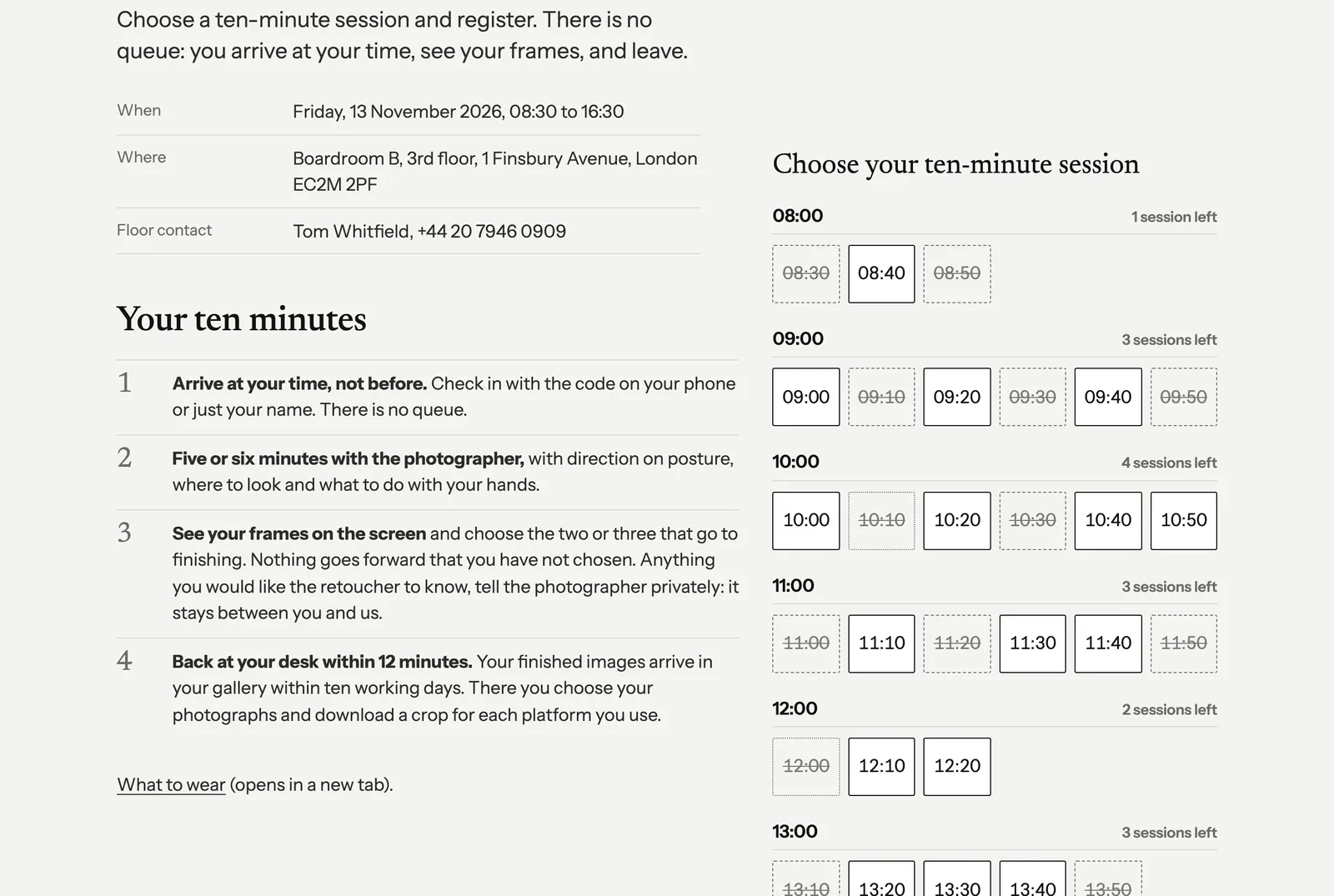
Once a day is contracted, the firm circulates one link. Each person chooses a ten-minute session, enters their full name, mobile number and email, and receives a confirmation by email with the time, the room, the floor contact, a calendar file and their sitter number.
They can move their session until 24 hours before the day. If the firm would rather allocate, it sends us a list and we assign the sessions, and each person receives their time with a one-tap "keep this time". Taken sessions never show colleagues' names.
02
Checking in
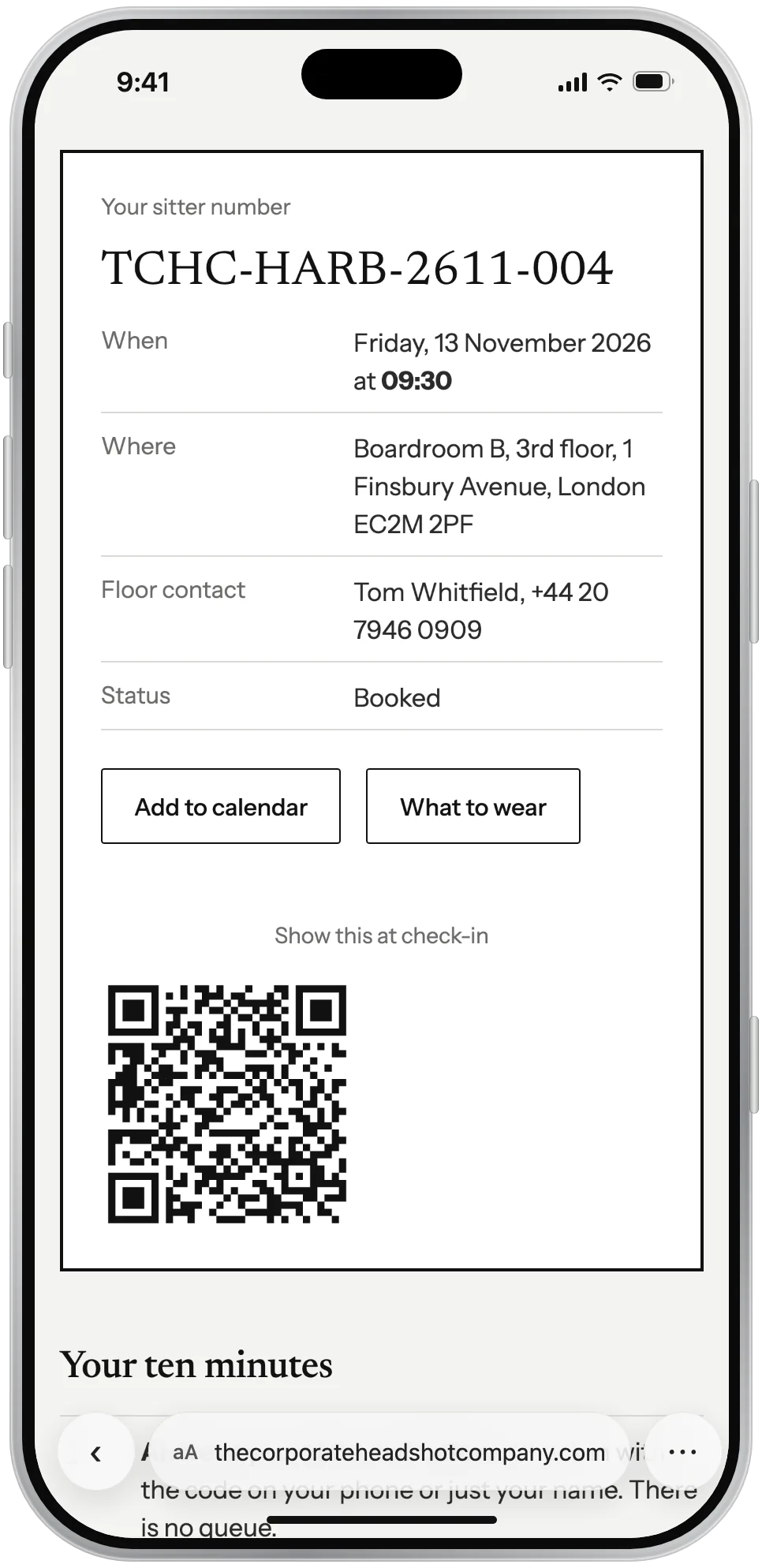
The confirmation carries the sitter number and a QR code. At the door it is scanned from the phone, or the person gives their name, and they are checked in in seconds.
Five or six minutes in front of the camera, the frames approved on screen, and back at their desk within 12 minutes.
03
On the day
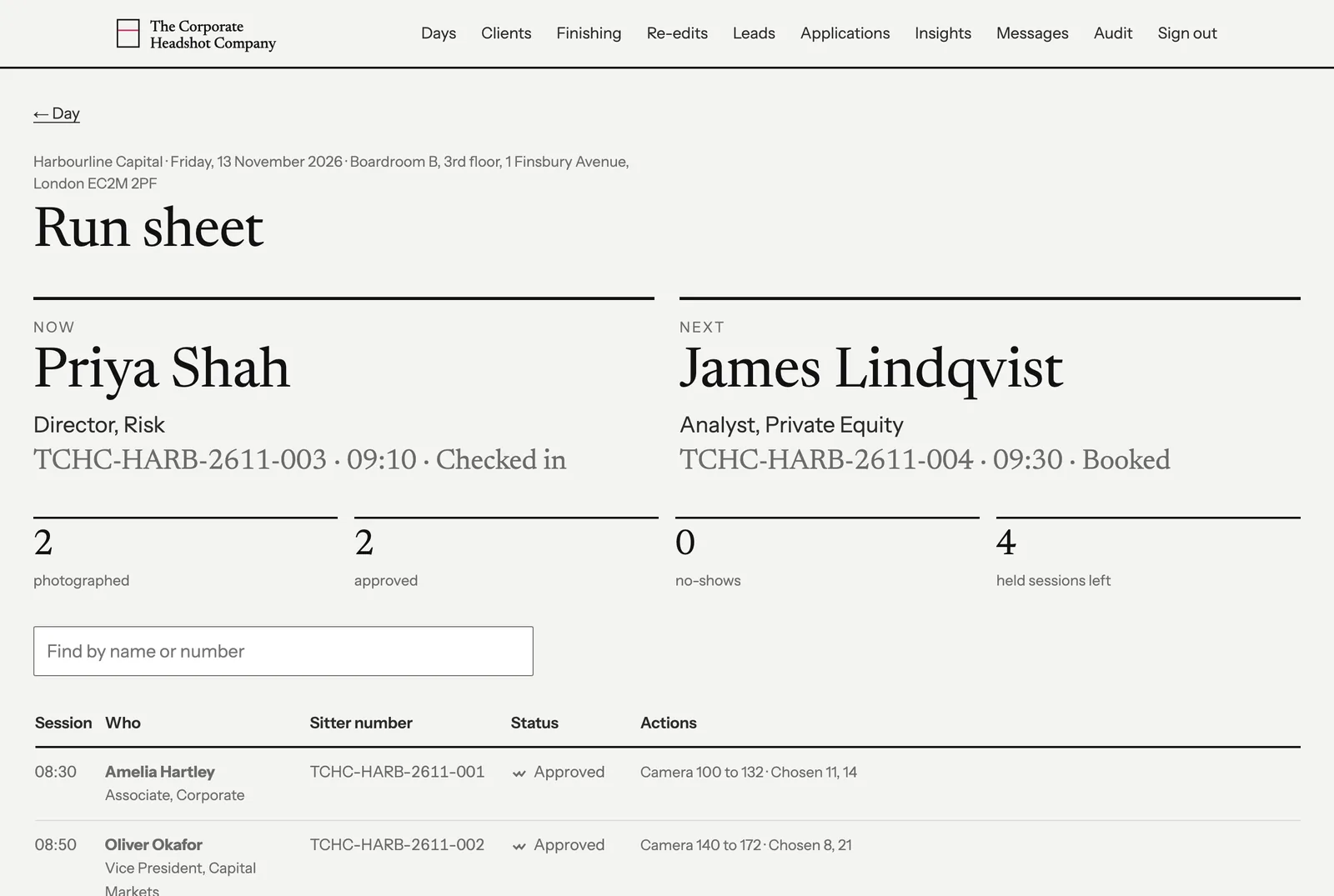
The photographer's run sheet shows who is in front of the camera now and who is next, by name and sitter number, so there is no queue and no calling of names across an office.
Each approval is recorded against the sitter number with the camera frames it came from, so the right image goes to finishing. Anything a sitter tells the photographer about their retouching is noted for the retoucher only and is never shared with the firm.
04
When the images are ready
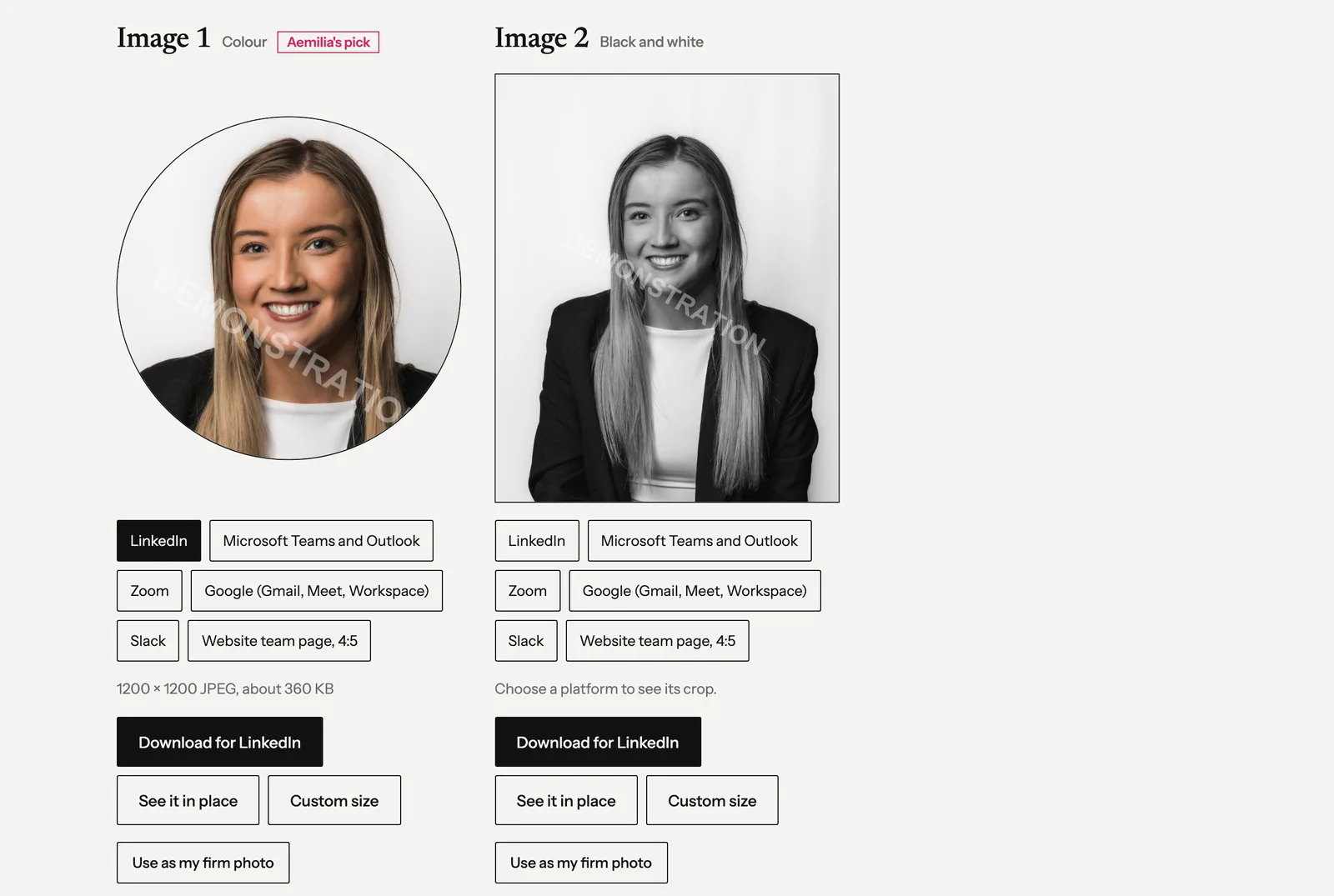
Each person is notified by email, with a link to their own gallery. It shows each finished image as every platform they use will show it, as a circle where the platform shows one, with the size and file type, a download for the crop they choose and one for everything, and the usage note.
A re-edit can be requested once within seven days. Nobody in HR forwards a file.
05
For the firm's administrator
A dashboard with every day, every person and their status: booked, checked in, photographed, approved, in finishing, delivered. The link to circulate, and who is current and who is due a sitting.
The roster with search and department filters. Bulk download of a day or the whole firm, named to the firm's convention. The Standard document and the agreement. Add joiners to the next day, request a catch-up session, or ask for a person's data to be deleted.
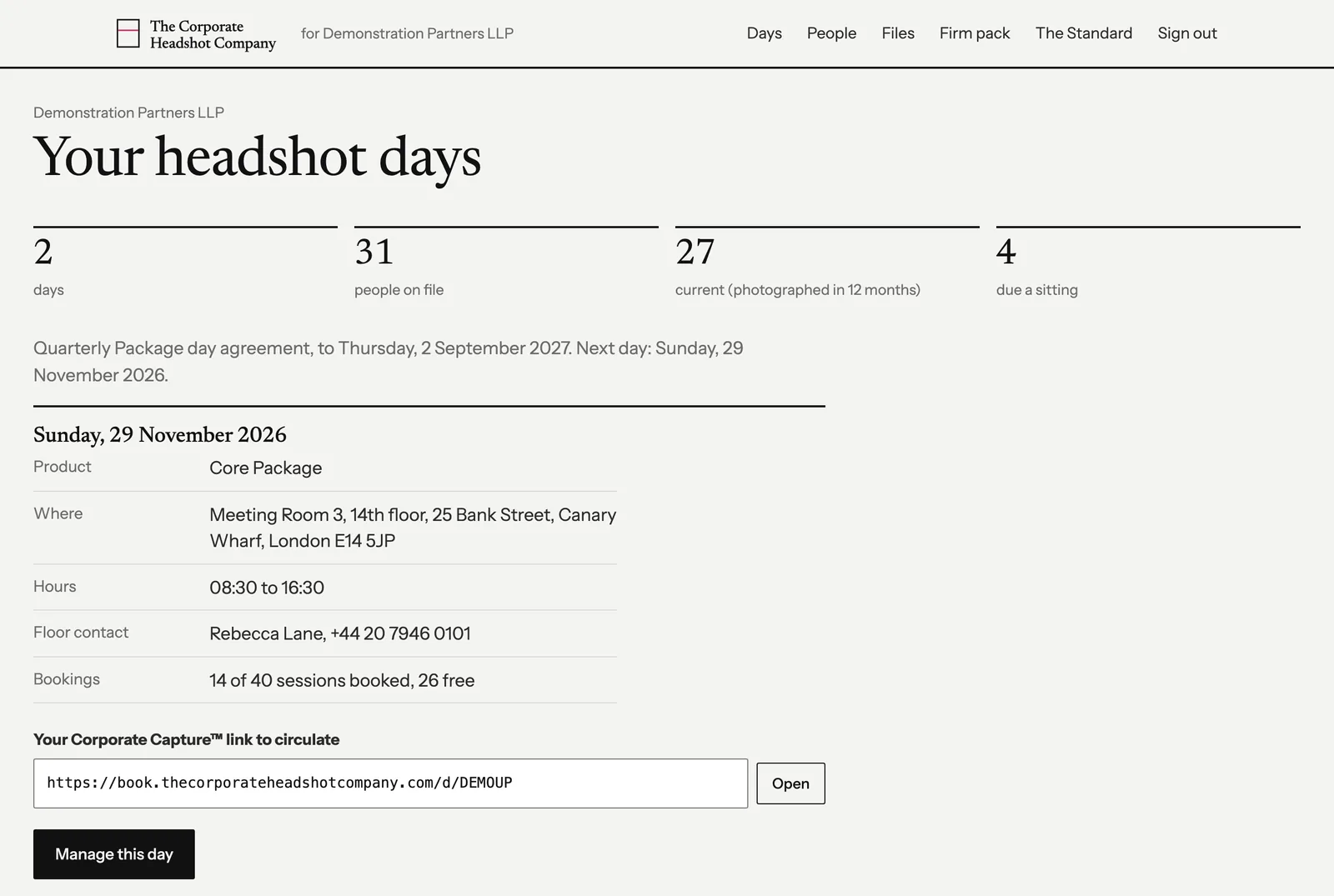
Screens from Corporate Capture™, shown with demonstration data.
Six questions every customer asks
What does it cost?
From GBP 2,950 plus VAT for a Core Package day of up to 40 people. Everything is priced by the day, not per person.
See all pricesHow long is each person away from their desk?
Ten minutes. Five or six of those minutes are in front of the camera; the rest is walking there, approving the frames on screen and walking back.
A day at your officeWhat does the room need?
A meeting room of about four by three metres with two sockets, and battery lighting if there are none. The studio is up in 30 minutes and down in 20, and nothing is left behind at lunchtime.
The room specificationHow quickly do the images come back?
Proofs of the approved frames on the day. The full finished set through the sitter portal within ten working days, with a crop for every platform available in the gallery.
What finishing involvesWhat happens when someone joins next month?
Their session is matched to your Standard, at the next Quarterly Package day or at a catch-up session, so the new image sits in the set without looking new.
How the Quarterly Package worksWho else has used you?
Corporate headshot work to date includes a global employment platform, a software company and a multi-family office; a firm is named only once it has agreed in writing. The Managing Director's portrait work has been exhibited at the National Portrait Gallery and her commercial clients include Formula E, Porsche and Aston Martin.
See the workData
The company is a processor of each sitter's name, email, mobile number, title and images on the firm's instructions. Data is held for the life of the agreement plus 24 months so later joiners can be matched, then purged; any sitter or the firm can ask for deletion at any time. There are no passwords to leak, no sitter data in analytics tools, and every download is logged.